Grant fit
SAFER
Strong match for communication and responder interoperability.

Emergency communication is often treated as a button. In practice, it is a chain. A teacher or driver activates an alert. Staff need to know what to do. Administrators need the location and type of event. Responders need context before they arrive. Afterward, the district needs a reviewable timeline.
That chain can break when radios do not work inside the building, panic buttons alert the wrong group, dispatch receives vague information or the camera system is separate from the alarm. Confluence Security designs these systems as response workflows, not isolated devices.
Grant fit
SAFER
Strong match for communication and responder interoperability.
Alert levels
Staff and responders
Different alerts need different destinations.
Activation pattern
3 or 8 presses
Three reaches school resources, eight reaches authorities.
Review need
Full timeline
Post-incident review depends on clean records.
Mass notification tells a group what to do. It may push a lockdown notice, weather shelter message, evacuation instruction or all-clear. Panic and duress alerting tells selected people that help is needed at a location. They are related, but they are not the same job.
A good school design separates alerting staff from alerting responders. Not every staff alert should call law enforcement. Not every emergency message should be broadcast to every device. The escalation path needs to be clear before the first button is pressed.
The distress pattern we use on the products side is deliberately simple. Pressing three times reaches school resources. Pressing eight times reaches authorities. The goal is to let staff signal the right level of help without hunting through a screen during stress.
That pattern should be matched to district policy. Staff need to know who receives each alert, what information is sent, when dispatch is contacted and how false activations are handled.
Schools often discover radio problems during an incident or drill. Thick walls, basements, additions, metal roofs and long corridors can block public safety radio traffic. If responders cannot communicate inside the building, the camera and access system are only part of the answer.
DAS and BDA systems can improve in-building public safety radio coverage where testing shows a gap. They need survey work, design, commissioning and coordination with the authority having jurisdiction. They are not a simple plug-in accessory.
The public safety answering point needs information that is clear, structured and fast. The ideal alert tells dispatch what happened, where it happened and how responders can access related information without a long phone relay.
Some districts need mapping, camera view references, door status, emergency contacts and reunification notes connected to the alert. Others need a simpler integration. The design should start with the local response process, not with a product demo.
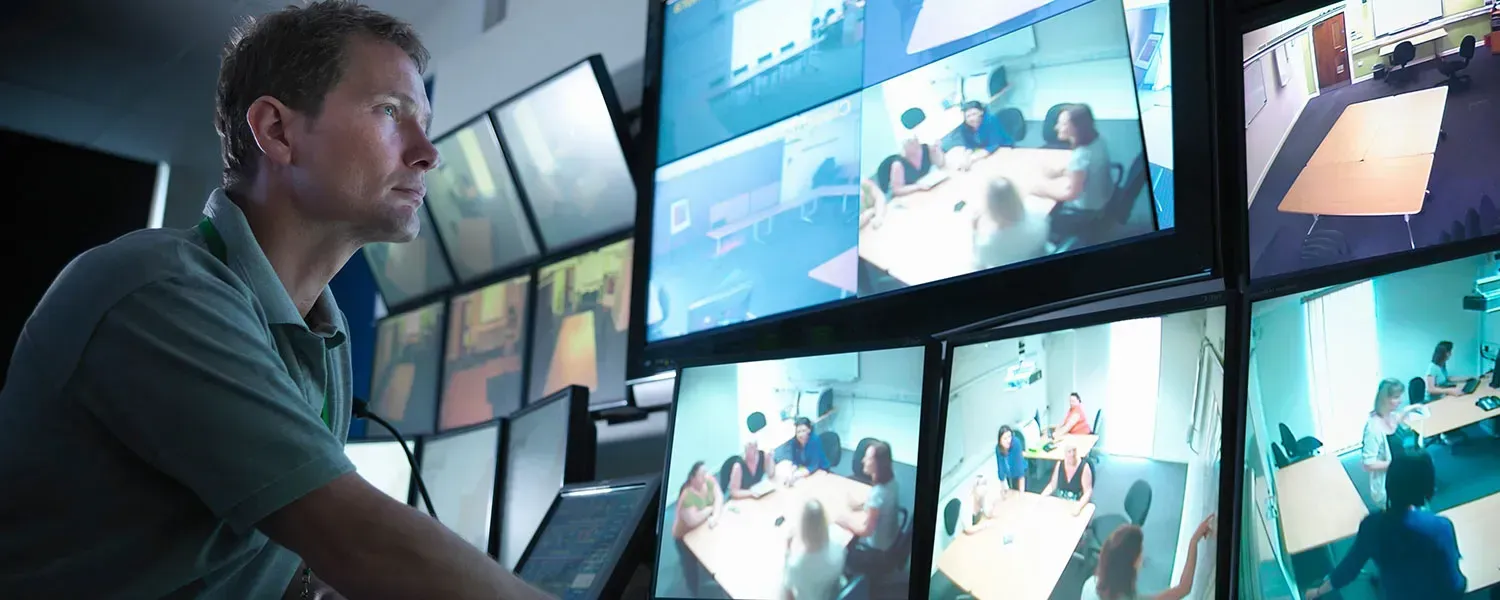
An alarm tied to live camera views changes the first few minutes. Instead of arriving with a vague message, a responder can see the related camera, nearby doors and the event location. That does not replace command decisions. It improves the information available to make them.
The same linkage helps staff. A front office alert can bring up the vestibule camera. A bus duress event can open the bus view. A door-forced alarm can show the entrance and nearby corridor.
Colorado SAFER, School Access for Emergency Response, is the strongest funding match for interoperable emergency communication projects. A recent cycle appropriated 4.85 million dollars against 39 applications requesting 14.68 million dollars, and awards ranged from 15,004 to 1,286,915 dollars.
SAFER funds interoperable communication hardware and software so school systems can communicate with first responder systems. That makes it a better fit for mass notification, radio coverage, dispatch integration and responder awareness than a general camera project.
After an incident, the district needs a timeline. Who activated the alert. Who received it. Which doors were opened. Which cameras showed the event. When responders were contacted. What was exported. Who reviewed it.
That record helps training, policy updates, insurance review, legal review and future grant applications. If the system cannot explain what happened after the fact, it is not fully supporting the district.
Mass notification broadcasts instructions to a group. A panic button sends a targeted distress alert to selected staff, administrators, dispatch or responders. Most districts need both, but they serve different purposes.
Yes. Colorado SAFER is specifically aligned with interoperable school emergency communication hardware and software. Amounts, deadlines and eligibility change by cycle, so districts should confirm current terms before applying.
Alyssa's Law refers to state laws requiring silent panic alert systems in schools. Requirements vary by state. Districts should confirm current state law and funding rules before selecting a system.
Continue through the school security cluster and related campus planning pages.
A modern K-12 security system is one unified platform covering cameras, door access, visitor management and emergency notification, so an administrator sees the whole campus in one interface instead of four disconnected systems. Confluence Security designs, installs and supports those systems for districts across Colorado and Wyoming.
Explore K-12 schoolsThe best school security funding source depends on the project. Cameras, entry control and visitor management often fit COPS SVPP or Colorado School Security Disbursement, while interoperable communications, mass notification and radio coverage are a stronger fit for Colorado SAFER. Grant amounts, deadlines and eligibility change every cycle, so districts should confirm current terms before relying on any figure.
Explore Grants and fundingSchool access control should control how people enter, move and respond without trapping anyone inside. The strongest designs combine a single point of entry, visitor screening, secure credential technology, code-compliant door hardware and camera events that open the right video the moment a door alarm occurs.
Explore Access and visitorsColorado school security requirements are best understood as documented reasonable care, privacy compliance and careful technology configuration. The Claire Davis Act does not require cameras, but it does increase the importance of documented assessment, remediation and execution. Colorado also has narrow school-specific restrictions on facial recognition, and school video can trigger FERPA review when students are identifiable.
Explore Colorado requirementsAsk Confluence Security to map your alert paths from classroom, bus and front office to district staff and responders.
Kindly provide your contact info and a team member will get in touch shortly.