Buildings
What a Commercial Security Camera System Actually Costs in 2026
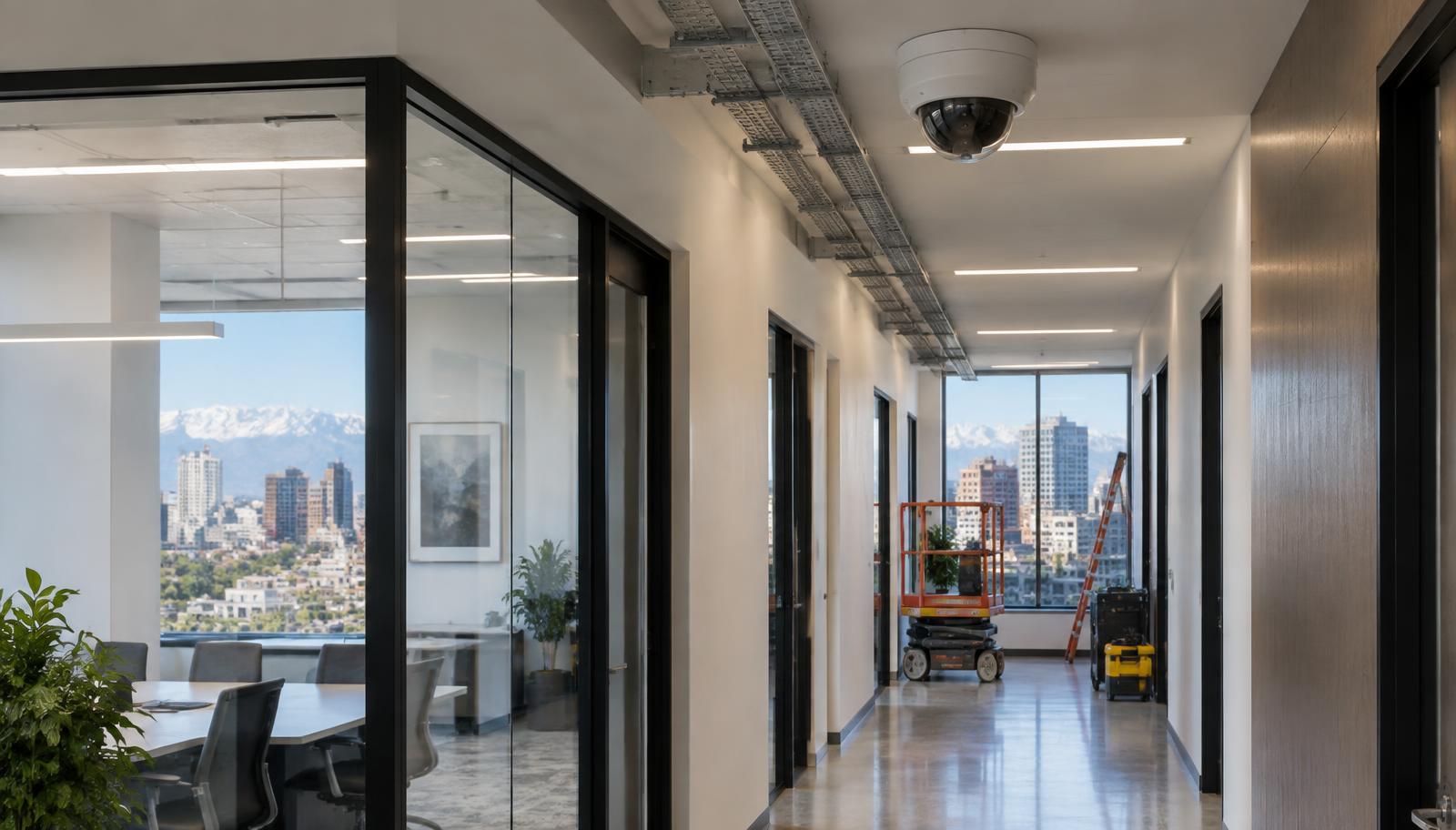
Budget roughly 1,000 to 2,500 dollars per camera fully installed for a standard commercial mix of interior and exterior positions. Camera hardware is typically only 20 to 35 percent of that. The rest is cable, pathway, mounting, power, switch ports, storage, licensing, programming, commissioning and documentation. If a number you have been given is far below that range, the difference is almost always scope that was left out rather than a better price.
We are publishing ranges rather than a single confident number, and that is deliberate. No major manufacturer publishes list pricing. Labor rates vary enormously by market. Building conditions swing installation hours by a factor of three. Anyone quoting you one number for a building they have not walked is guessing, including us. Ranges are what an honest answer looks like at this stage.
Budgeting ranges: video
- Commercial-grade AI-capable cameras: roughly 180 to 650 dollars each depending on sensor, form factor and environmental rating.
- Recorders in the 16 to 64 channel range: roughly 1,200 to 4,500 dollars.
- Licensed low-voltage installation labor: commonly 95 to 150 dollars per hour in metro markets.
- A complete small business system: roughly 1,000 to 5,000 dollars and up.
- Enterprise and multi-site deployments: from roughly 9,000 dollars into six figures.
- Video encoders to bring existing analog cameras forward: roughly 55 to 100 dollars per channel.
Budgeting ranges: access control
- Card or fob systems: commonly 1,500 to 3,500 dollars per door installed.
- Mobile credential systems: roughly 1,000 to 2,500 dollars per door.
- Keypad only: roughly 500 to 2,500 dollars per door.
- Biometric readers: considerably more, and they carry privacy obligations worth reviewing before you specify them.
- Cloud access control software: commonly 3.50 to 15 dollars per door per month at a standard tier.
Door hardware is where access control budgets go wrong. The reader is the cheap part. Strikes, power transfer hinges, request-to-exit devices, fire alarm interface and the door itself frequently cost more than the electronics, and on an older building the door may need to be replaced to hold an electrified lock properly.
Budgeting ranges: recurring software
- Cloud video, entry tier: roughly 3 to 10 dollars per camera per month with 7 to 14 day retention.
- Cloud video, standard tier: roughly 10 to 30 dollars per camera per month with 30 day retention.
- Cloud video, premium tier: roughly 30 to 60 dollars per camera per month with 60 to 90 day retention and full analytics.
- On-premises video management licensing: roughly 150 to 400 dollars per channel, with annual software maintenance commonly 15 to 22 percent of license value.
On-premises cost is not only the license. Add server hardware, storage sized to your retention requirement, operating system and database licensing, a UPS, rack and environment, and the IT labor to patch and monitor all of it. Comparing a cloud subscription against a license price alone is the most common budgeting error we see, and it flatters on-premises by a wide margin.
What actually drives cloud video cost, in order
- Retention period. This dominates everything else. Going from 30 days to 90 days is the single largest lever on your monthly bill.
- Resolution. More pixels per frame, more stored bytes, higher tier.
- AI analytics add-ons. Priced per camera or per feature and they add up quickly across a fleet.
- Continuous versus event-based recording. Event-based cuts storage sharply and cuts your evidence too, so decide this per camera rather than per site.
- Volume discounts. Real, and they arrive at thresholds worth asking about before you split a project into phases.
- Whether proprietary hardware is required to use the service. A subscription that only runs on one manufacturer's cameras is a lock-in cost even when the monthly line looks competitive.
Set retention from a requirement, not a preference. A district under a records retention rule, a cannabis facility under a state rule, a healthcare site under an incident review policy: each of those produces a number. Absent a rule, 30 days covers most commercial investigation timelines, and paying for 90 days across an entire fleet to cover the rare late-discovered incident is usually worse value than paying for 90 days on the handful of cameras where late discovery actually happens.
Why two quotes for the same building differ by three times
Almost never because one contractor is three times more expensive. It is scope. The usual culprits:
- Camera count and placement discipline. Twelve well-placed cameras beat twenty poorly placed ones, and a bidder who never walked the site tends to add count instead of thought.
- Whether pathway and conduit are included, or whether the quote assumes open ceilings and free access.
- Whether network switching and storage are included, or assumed to be provided by your IT department.
- Whether licensing is perpetual or subscription, and how many years of maintenance are inside the number.
- Whether commissioning and as-built documentation are included. Undocumented systems cost you money at the next change, every time.
- Lift requirements and core drilling. Both are real line items and both get quietly omitted.
- Whether the quote assumes reusing existing cable. Sometimes that is legitimate and saves real money. Sometimes it is an assumption that fails on the first day of install and returns as a change order.
How to make bids comparable
- Give every bidder the same scope in the same format, including camera count, positions and retention requirement.
- Ask each one, in writing, what is excluded.
- Ask who owns the equipment, the licenses and the programming at the end of the term.
- Ask what the renewal price is, not just the first-year price.
- Ask for one reference where the system has been in service more than three years.
That last question separates integrators quickly. Anyone can hand over a system that works on the day of handover. The interesting question is what it looked like in year four.
Where to go next
For the sector view, see commercial building security. Healthcare leaders can use our Colorado healthcare facility security assessment guide to connect budget planning with privacy, access and staff protection priorities. For the cost model comparison in detail, see cloud versus on-premises video. If you have inherited a system and want to know what is worth keeping before you budget a replacement, see our existing camera assessment. For a walked, itemized scope on a specific building, call 303 596 7819.
Frequently asked questions
- What does a commercial security camera cost fully installed?
- Budget roughly 1,000 to 2,500 dollars per camera for a standard commercial interior and exterior mix. Camera hardware is typically only 20 to 35 percent of that figure.
- What does cloud video recording cost per camera per month?
- Roughly 3 to 10 dollars at entry tiers with 7 to 14 day retention, 10 to 30 dollars at standard with 30 day retention, and 30 to 60 dollars at premium with 60 to 90 day retention and full analytics.
- What drives cloud video cost the most?
- Retention period, by a wide margin. Then resolution, then AI analytics add-ons, then continuous versus event-based recording, then volume discounts, then whether proprietary hardware is required.
- Why do two quotes for the same building differ by three times?
- Usually scope, not price. Camera count and placement, whether pathway and conduit are included, whether switching and storage are included, perpetual versus subscription licensing, and whether commissioning and as-built documentation are in the number.